
Learn sound and video lighting with our in-depth online courses, weekly livestreams, and gear reivews and tutorials.
Browse Courses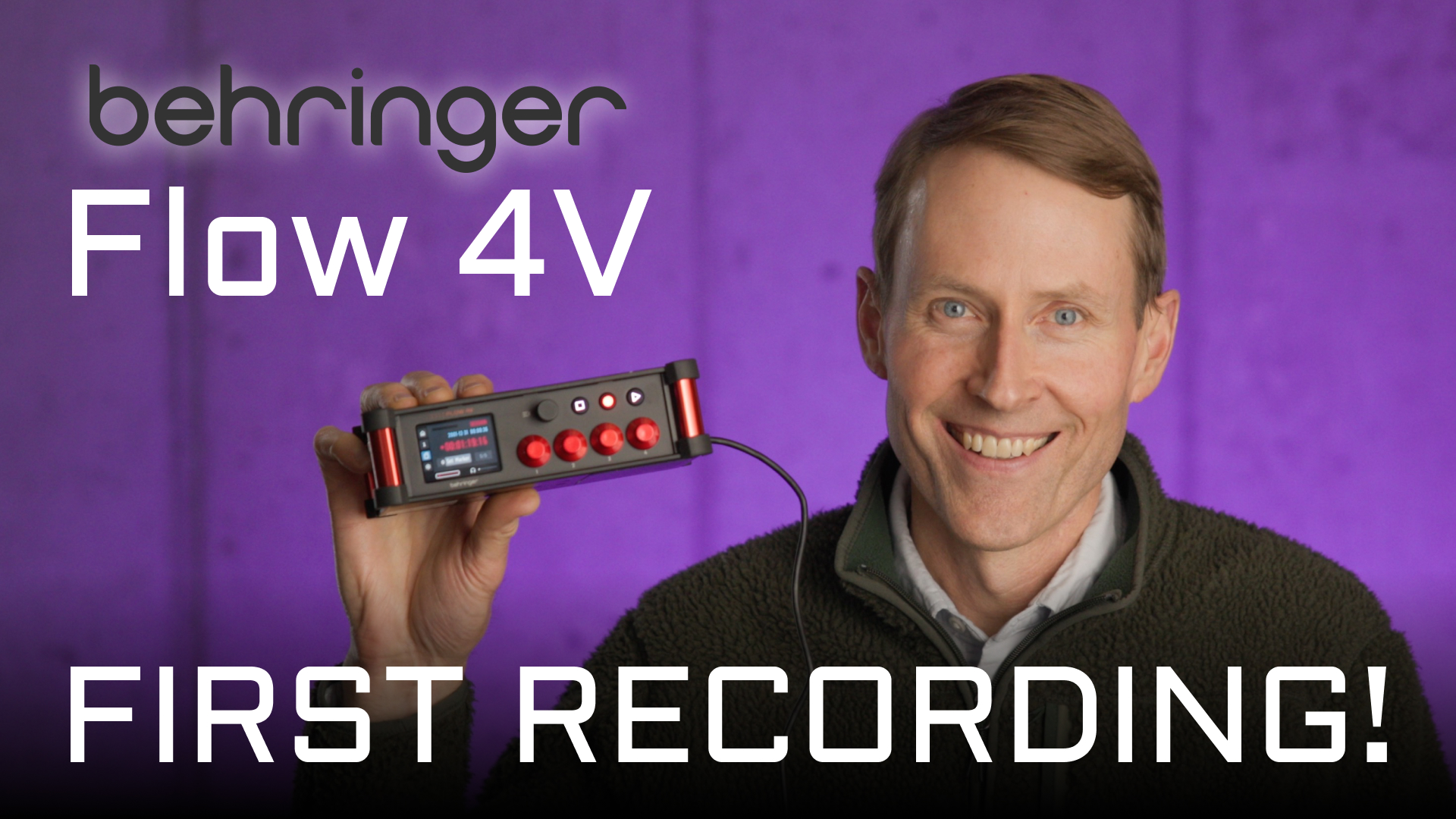
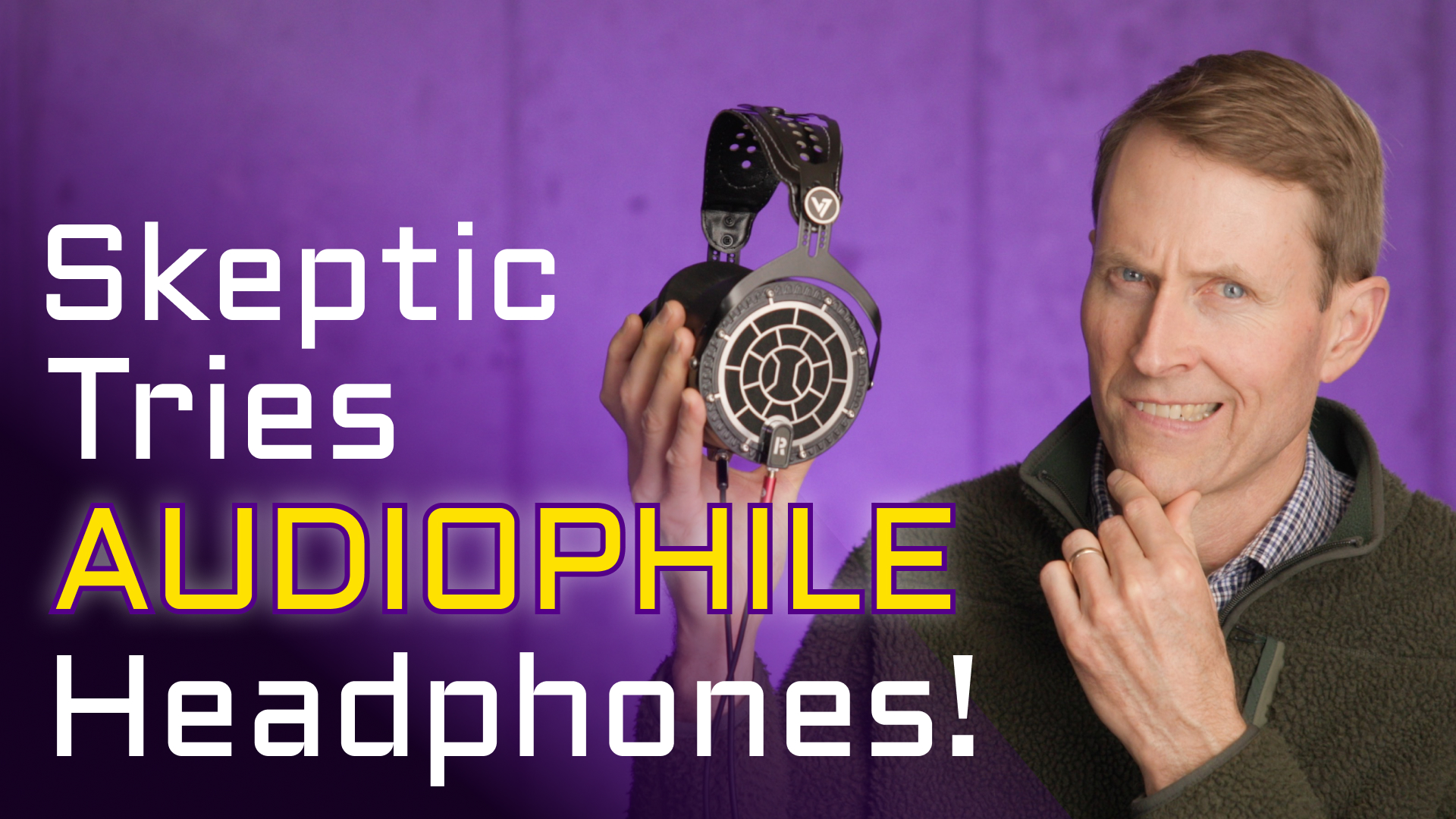
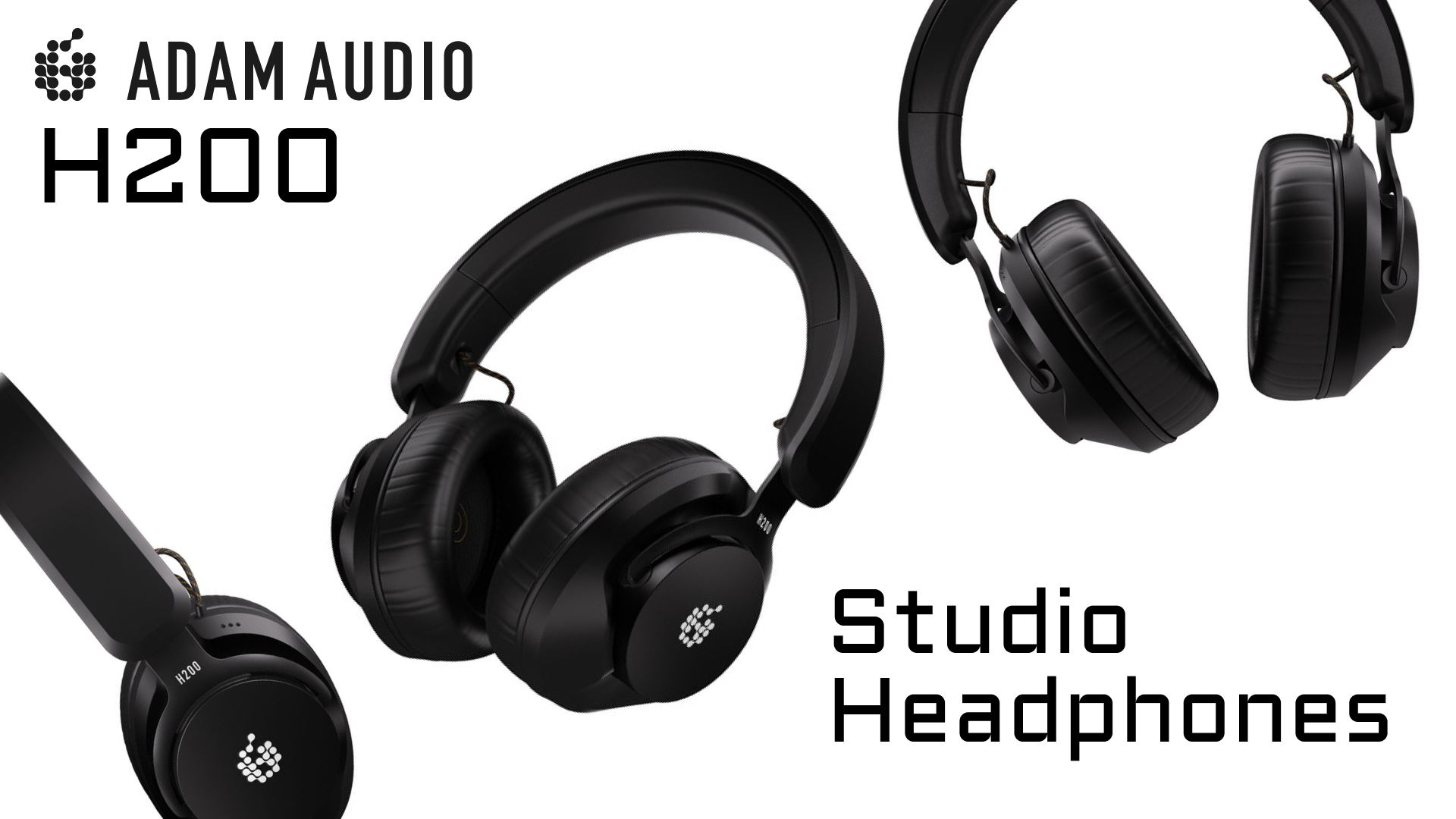
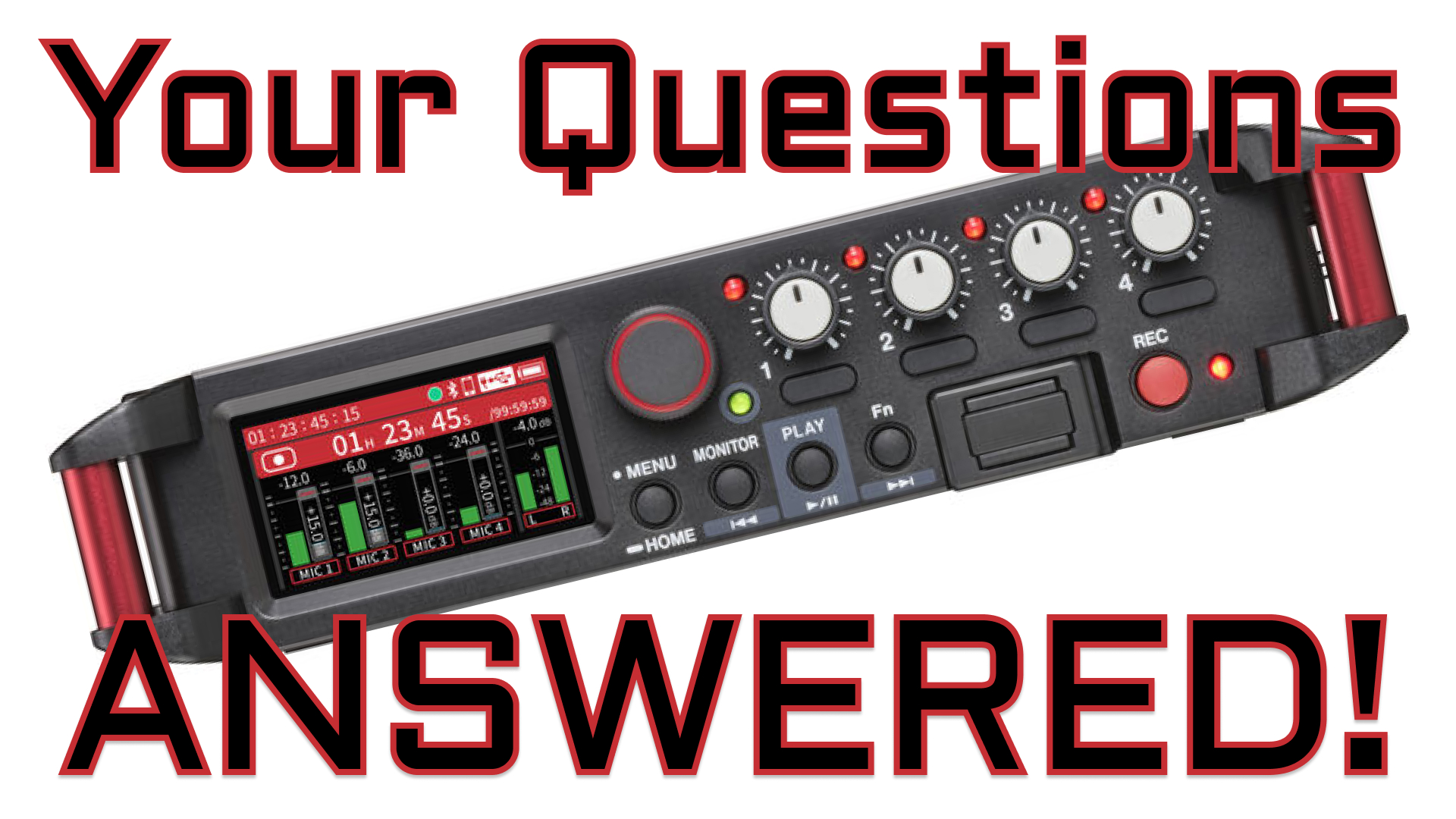
This is the first questions almost everyone asks when they decide that they want to create audio or video content. And the answer depends on a lot of things, but for video, I usually recommend a quality boom microphone for indoor recording or a shotgun microphone with a wind shield for outdoor recording. Here's a video which goes into more detail on choosing a shotgun microphone. And these are the microphones I use most often in my work.
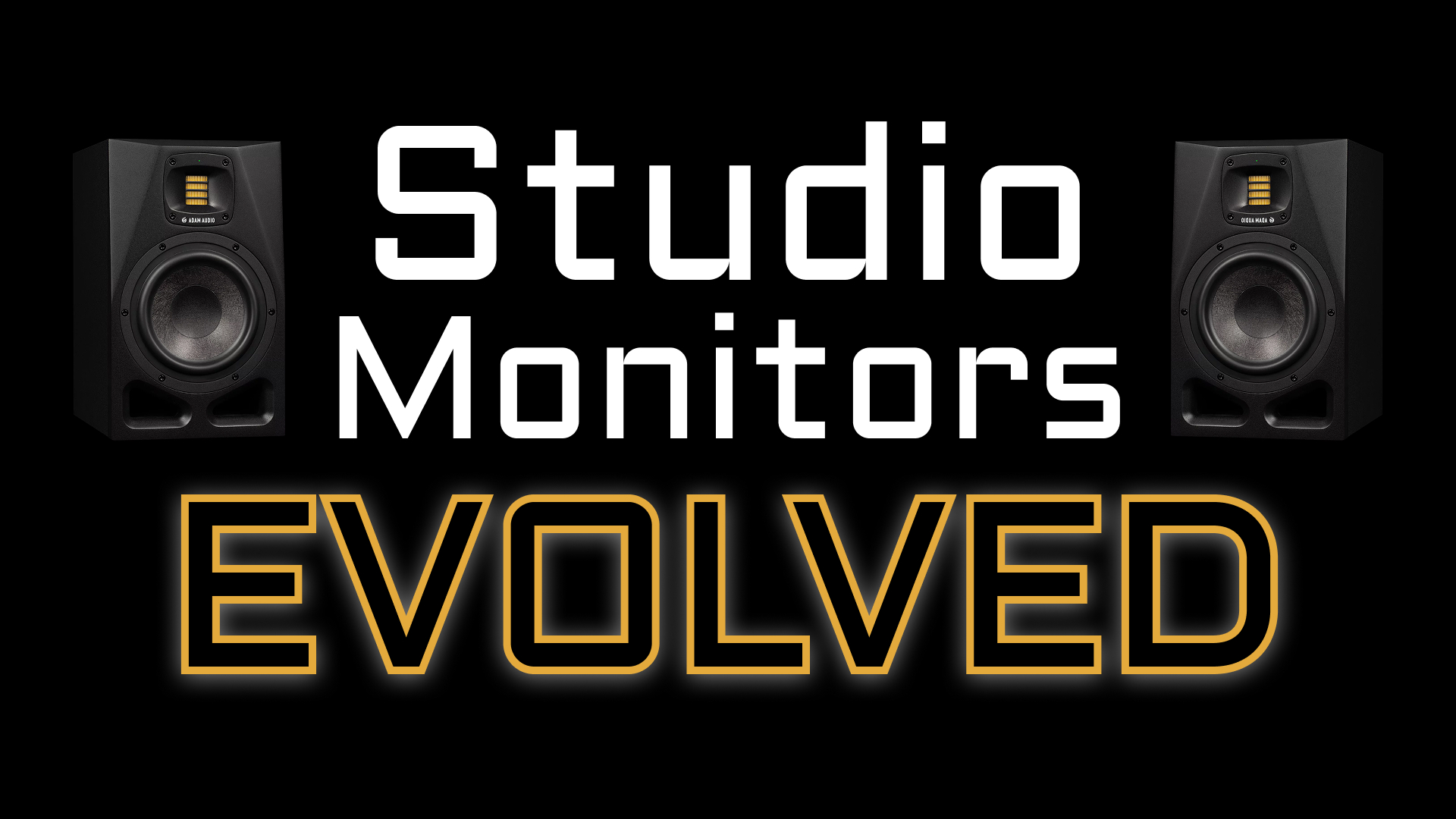
Use directional microphones to focus on your subject and minimize ambient sound. Record in quiet environments, and consider using sound blankets to absorb high frequency reflected sound. Post-production noise reduction tools can further reduct noise reduction. Keep in mind that AI audio tools cannot make a really, really bad audio recording sound great. It is always best to start with the cleanest recording possible. And if you can only do two things: 1) sound blankets, 2) turn of noise generating things when recording
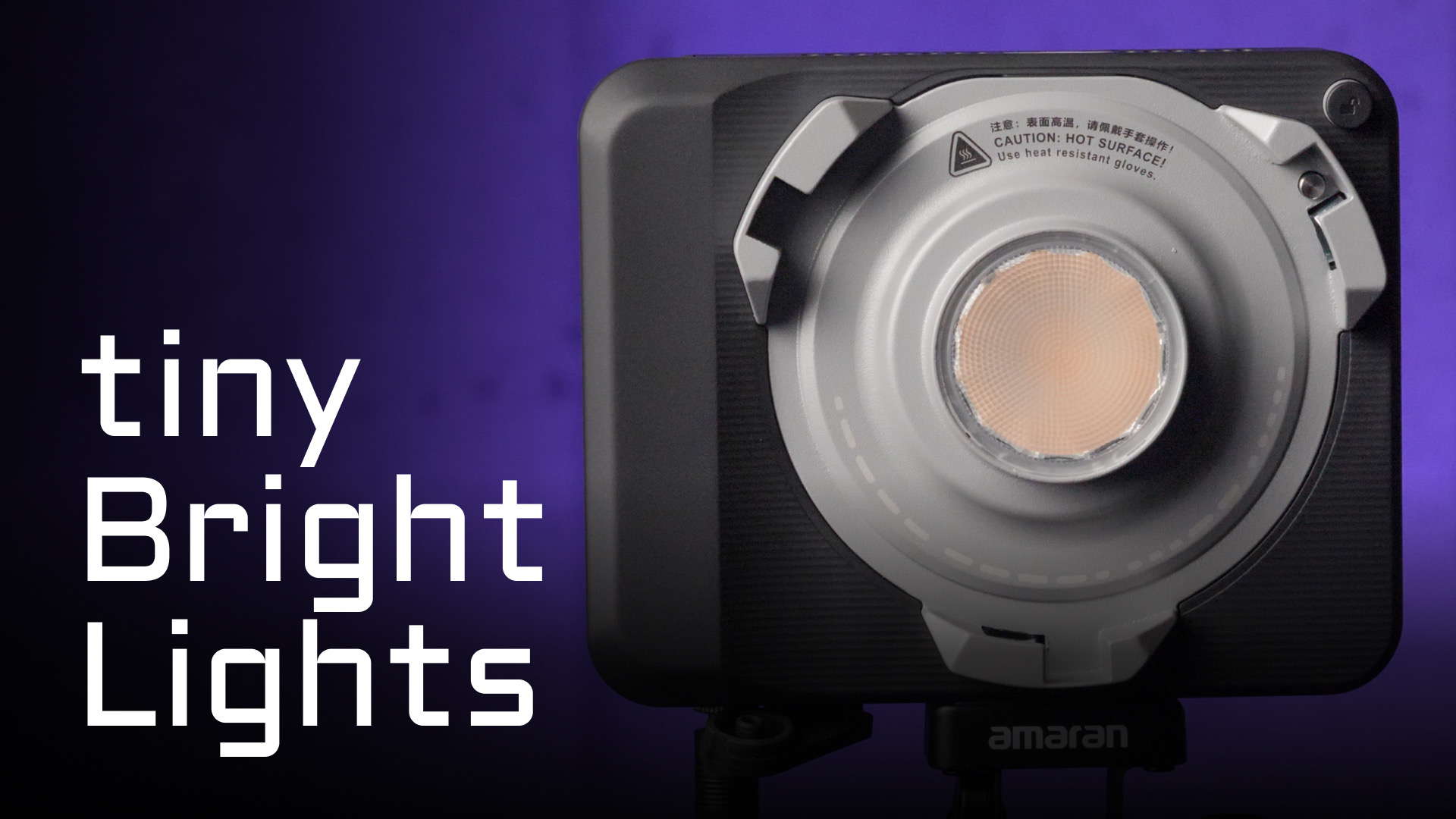
It depends on the location, but I find that a soft light source on the "far side" of the person's face along with some sort of accent lighting usually works well. Here's an example video showing how to bound light off of a piece of fabric to shoften it.
Soft light creates smoother transitions between light and shadow, especially on faces. Soft light is created by using LARGE light emitting surfaces like soft boxes or light bounced off of walls or large reflectors or fabric/muslin.
For most video projects, record audio in uncompressed WAV format at 48kHz for optimal quality. I'd suggest you avoid compressed formats like MP3 for recording. Compressed formats like MP3 and AAC are best for final delivery after you've post processed and sweetened the audio.
Use a clapperboard or hand clap at the start of each take to create a visual and audio sync point. In post-production, align the audio waveform with the visual cue. Many video editing apps have automatic sync features which use the audio in your video clip to sync the audio from your audio recording and they work quite well. We call this dual-system sync sound.
