
How I Light My Backgrounds — Creative Background Lighting for Video
· Lighting · 4:44
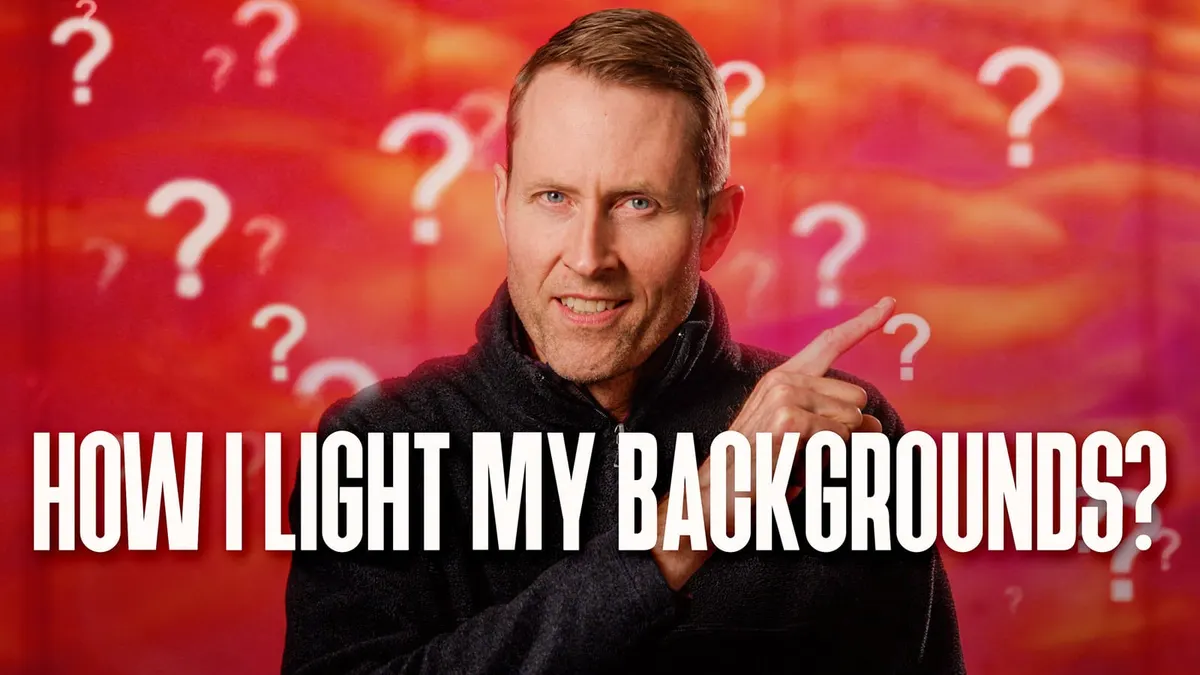
In this week’s episode we have a look at several methods of lighting the back of your set while filming talking-head shots. Putting some thought into what’s going on in the background of your shots can help sophisticate the look of your video. Here, we cover solid-color lighting as well as fancier effects that can be achieved with RGBLED lights, different color temperatures, and metal, glass, or homemade gobos. Let’s take a closer look!
If you’d like to learn more about processing audio for your video and film projects in DaVinci Resolve Fairlight, you can find our complete course at https://school.learnlightandsound.com…
#Lighting #Gobo #Aputure #Spotlight
Gear used or mentioned
The links below are Amazon, B&H Photo, Sweetwater, or other affiliate links. As an affiliate, I earn from qualifying purchases.
- Aputure LS 300X used for background light — Aputure, B&H, Amazon
- Aputure Spotlight Mount — Aputure, B&H, DVE Store. Amazon
- Litepanels Gemini 1x1 LED panel — B&H, Amazon
- Rosco glass gobos — B&H
- Rosco steel gobos — B&H
- RODE NT1 Cardioid Condenser Microphone — B&H, Sweetwater, Amazon
- Sound Devices MixPre audio recorder — B&H, Trew Audio, Sweetwater, DVE Store, Amazon
- Rycote PCS Microphone Quick-Release System — B&H
- Canon C70 cinema camera — B&H
- Canon RF 24-70 f/2.8L lens — B&H, Amazon
- Schneider Radiant Soft 1 diffusion filter — B&H
- Panasonic GH5 camera — B&H, Amazon
- Panasonic 12-35mm f/2.8 II lens — B&H, Amazon
Read the transcript
In this episode, we’ll talk about some of the different things that we do to create our background.
Usually light on this concrete wall here.
Number one is a very simple splash of colored light on the background.
We use a 1x1, in this case, it’s a LitePanels Gemini, and it’s an RGB light, so we just put an RGB color up on the wall.
And I think the one secret here is to be careful with the saturation.
Don’t go too far. It can really kind of stress the codec and it can start to look a little weird.
So you might start with something a little bit lower on the saturation range and see how that goes. In fact, that is exactly how we light our microphone samples and if you’ve seen our microphone reviews, we have a silhouette and it’s literally just lighting the back wall.
That’s all we do. And then in post, I will usually drop the shadows a little bit more so that they’re crushed and there’s no detail left in the person who’s speaking.
So that’s either me or Dani or Emma, and that’s exactly what we do. Now for backgrounds like you see here, we’re using something different. In that case, we’re using usually one of the Aputure lights, the COB lights, and we have attached to it the spotlight mount, which is Aputure’s ellipsoidal, that the kind of the generic term is ellipsoidal lens.
And essentially what that allows you to do is put a gobo, or a ‘go-between,’ into a little slot and then focus it or, in our case, actually defocus it.
And these gobos come in a lot of different forms.
You can get just metal gobos that create a pattern, or you can get a variety of different glass gobos and they even have some prismatic gobos like this.
So these are all by Rosco.
They’re the ones that we use. They work well. You put them in a gel holder, put them right into the Aputure spotlight mount.
I would recommend that you use the wider lenses on that.
So in our case here, the spotlight mount is probably about 4 meters from the wall, so you need quite a bit of space if you wanna fill a big a big space like this, and actually— this isn’t that big, it’s basically a talking head.
I would recommend going with a 36º lens.
That’s gonna allow you to work at the closest distance and fill the most area behind you, like in this case.
When I originally got the spotlight mount, I think we had a 19º lens or something like that and you had to put it… it felt like a mile away to be able to fill the background.
Now as I mentioned, we also like to defocus it.
So instead of having a really sharp focus, in most cases, we’re just trying to make a pattern that’s colorful and kind of adds some interest to the backdrop.
But you can do anything you want. If you do want that sharp, clean, hard-edged kind of thing, you can get that as well. Now in addition, there are ways to change the color as well.
If you use an RGB light, of course, you can do that, but in our case we’re using a bicolor light, and you can just change the color temperature somewhere between daylight and tungsten or even beyond depending on what your light is capable of.
And you can also put gels on the front.
So if you want to add some additional color there or change the color balance, you can do that as well. So you have a lot of different options to get the exact color that you want.
I think probably my favorite is this one that is broken— it’s basically glass that was different colors and shattered and glued onto a piece of glass, is in essence what it is.
It is again, it’s made by Rosco. The prismatic gobos are not cheap.
They’re about $100 each. So I realize this is not, like, budget friendly necessarily, but if you wanna make your own, you could probably do something like that. Of course, the metal gobos are very affordable. I think they’re usually, like, somewhere between $10 and $15 dollars.
They’re not that expensive. So we’ll put some links down below if you wanna go check those out.
Now, you can also make patterns on the wall making your own gobo.
So if you have a hard light source, you can actually just get a piece of poster board or cardboard and actually cut out patterns and then put that in front of your light and shoot the light through it at the background, and you can make your own patterns. You can also use a gel on the light to change the color if you wanna do that.
Lots of different creative options out there.
Hope that was helpful. If you have any questions, go ahead and leave those down below.
And if you’ve not already subscribed, make sure you do that.
And we’ll be sure to get you more great videos on how to improve your lighting and sound for video. Talk to you soon.