
New Course: Fundamentals of Mixing in DaVinci Resolve Fairlight 18.1
· Audio · Post-production & software · 2:05
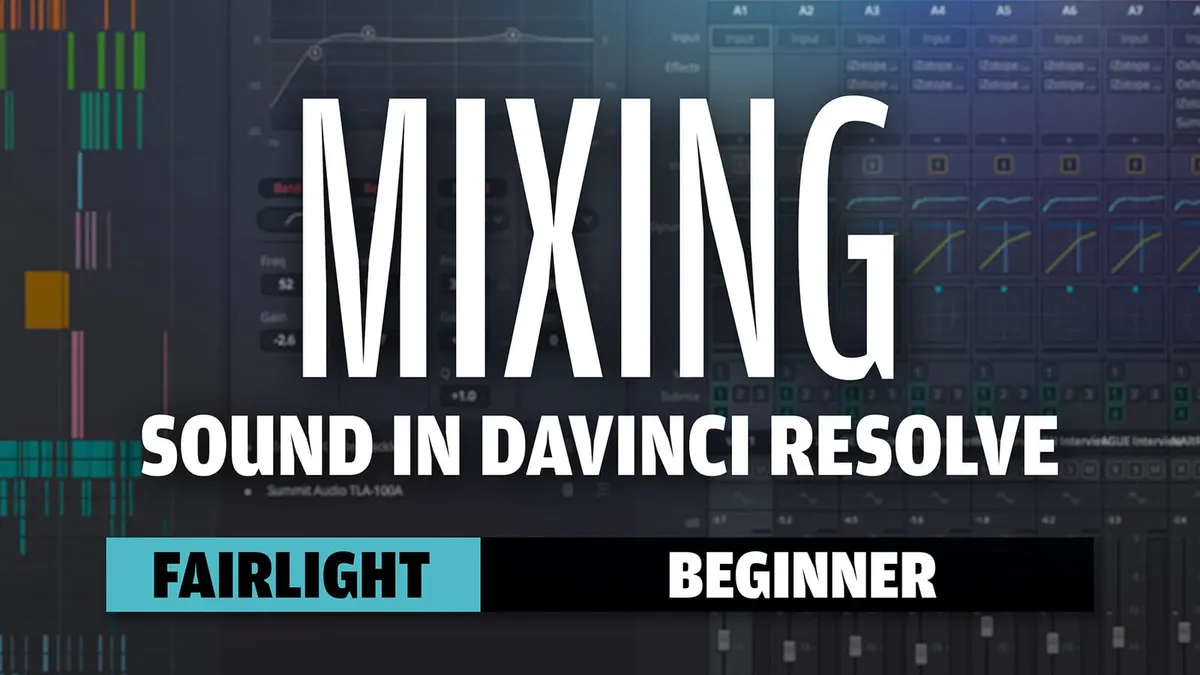
This week, we’re happy to announce our new course on how to edit and mix dialogue, prerecorded music intros and outros, and basic sound design in DaVinci Resolve’s Fairlight! The course is available at: https://school.learnlightandsound.com…
DaVinci Resolve is an amazing video post app for editing, coloring, adding visual effects, and mixing sound. And with free and studio versions, anyone can produce very high quality videos and films.
Fairlight is the incredibly powerful audio mixing page within Resolve.
In the course, we’ll teach you how to do all of this in Resolve version 18.1:
- How to configure the Fairlight settings
- How to import and sync your audio clips
- How to get around the Fairlight page
- How to use track layers
- How to choose which mic channel (lav vs. boom) to use in a dialogue edit
- How to set up your channel mapping
- How to use effects to clean and sweeten the mix
- How to use key frames and automation to dynamically adjust track and clip levels
- How to add and mix basic sound design
- How and when to bounce tracks and timelines
- How to loudness normalize your final mix
What is NOT covered:
- Video editing in the Cut and Edit pages
- Color grading in the Color page
- Visual effects in the Fusion page
One of the tricks with online courses is what to do when you have a question. We have you covered there. You can email me any time when you sign up for the course. We also hold weekly Sound for Video Sessions where we cover sound for video topics in more depth and even have Q&A sessions once or twice a month.
Come on over to https://school.learnlightandsound.com and sign up to learn with us!
Read the transcript
DaVinci Resolve is an amazing video post app for editing, coloring, adding visual effects, and mixing sound. And with the free and Studio versions, anyone can produce very high quality videos and films. Fairlight is the incredibly powerful audio mixing page within Resolve and we have a new course on how to edit and mix your dialogue, pre-recorded music intros and outros, and even add basic sound design all within DaVinci Resolve Fairlight. We show how to do all this in the free version of DaVinci Resolve, which anyone can download and install. In the course, we teach you how to configure the Fairlight settings, how to import and sync your audio recordings to the video recordings, how to get around the Fairlight page, how to use track layers– which is a really interesting feature that you don’t find in most video editing apps. We also help you to choose which mic channel to choose in each case, whether you choose a lavalier or a boom microphone and use that in the dialogue edit; how to set up your channel mapping, how to use effects to clean and sweeten the mix, how to use keyframes and automation to dynamically adjust track and clip levels, how to add and mix basic sound design, how and when to bounce tracks and timelines, and overall how to loudness normalize your final mix. Now– just want to be really clear– there are a few things we don’t cover in this course. This is not a course about video editing in the Cut or Edit pages within DaVinci Resolve; it’s also not a color grading course in the
Coloring page and it’s also not a course on how to build visual effects within Fusion, so we focus 100% on sound within Fairlight. Now, one of the tricks with an online course is… what do you do when you get stuck, when you have a question? Well, we have you covered there: you can email me directly after you sign up for the course. We also hold weekly Sound for Video sessions and in those Sound for Video sessions, we have a question and answer session every week.
Really easy to get involved with those and you don’t even have to be there live for the actual session itself– you can send your questions ahead of time, I’ll answer them on the session, and then you can go back and watch the recorded session anytime that works for you. So come on over to school.learnlightandsound.com and sign up to make better sounding mixes for your videos.