
Next-Level Speech Restoration? Accentize dxRevive Plugin
· Audio · Post-production & software · 13:00
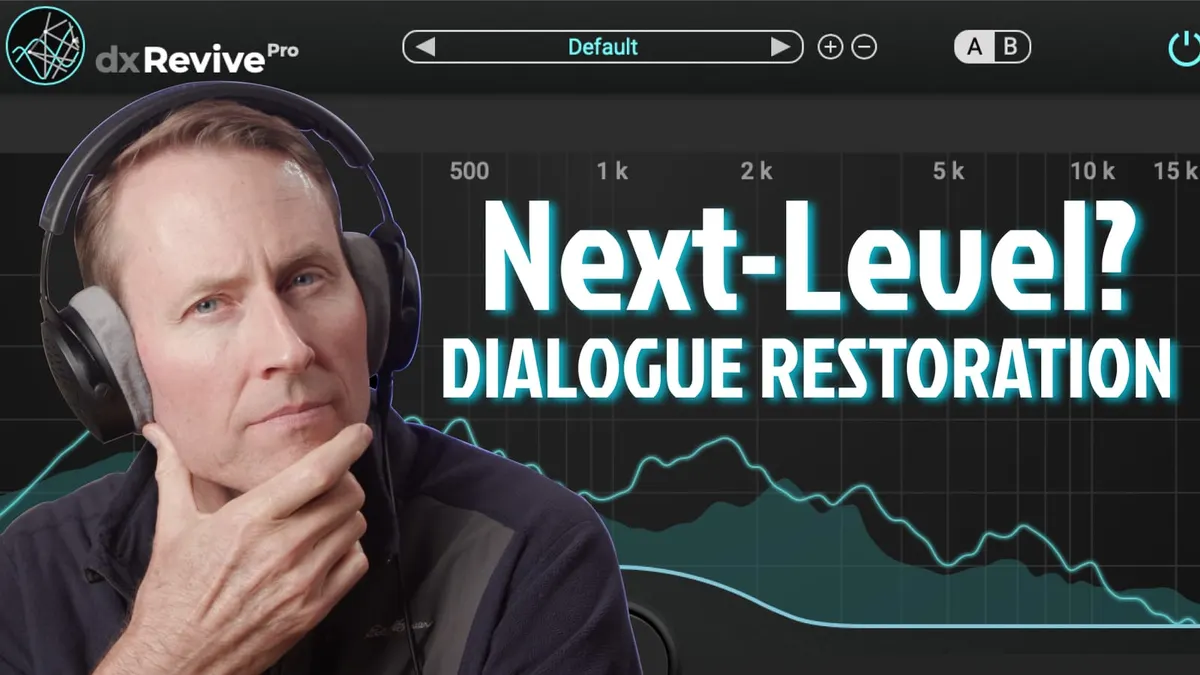
In this episode we take a look at dxRevive, Accentize’s new speech restoration plugin. This new post-production tool utilizes a machine-learning engine to synthesize and restore poor-quality dialogue audio. The plugin includes a Studio sound synthesis algorithm (and a Retain algorithm in the Pro version), several useful presets, and a simple user-friendly interface. In this video we walk through dxRevive’s feature set, listen to some before-and-after processing samples, and push the algorithms to their limits. Let’s take a closer look!
Gear used or mentioned
The links below are Amazon, B&H Photo, Sweetwater, or other affiliate links. As an affiliate, I earn from qualifying purchases.
- Accentize dxRevive Speech Restoration Plugin
- Impact Turtle-Base C-Stands — B&H, Amazon
- Amaran 200x S LED light — B&H, Amazon, Aputure
- Aputure Light Dome II soft box — Aputure, B&H, Amazon
- Aputure Spotlight Mount — Aputure, B&H, DVE Store, Amazon
- Rosco Prismatic Glass Gobo in Cool Lavender — B&H
- Canon C70 Cinema Camera — B&H
- Canon RF 24-70 f/2.8 lens — B&H, Amazon
- Panasonic GH5 camera — B&H, Amazon
- Panasonic 12-35mm f/2.8 II lens — B&H, Amazon
Read the transcript
[Music] We’re seeing more and more machine learning and neural network and other types of more-sophisticated noise reduction and, in this case, restoration plugins for audio.
In this case we’re going to take a look at dxRevive. I have a variety of different samples here and I just want to run through and demonstrate what dxRevive does for each of them.
First of all, dxRevive is an audio restoration plugin, so it does noise reduction but it also can help recreate a richer sound on audio that doesn’t have rich sound.
So we’ll give you a sample of what that sounds like here in just a moment.
So to start this off, I’m going to go ahead and pull up dxRevive Pro.
There’s a pro version and a standard version. The standard version… the difference is that it just supports the Studio profile, so it just essentially makes your sound sound like it was recorded in a studio.
The Pro version also has a few more options.
It has a different algorithm called the… it has Retain.
So it has Studio and it has Retain, and what Retain does in essence is it doesn’t try to make it sound like the recording was done in a studio, but tries to make it sound natural but cleaner. So in any case let’s go ahead and run into the first sample here.
This one just has some noise.
This is what it sounds like at the start, like this. [Sample Audio] Okay, so you can see that does a pretty nice job.
We really have basically this one control: percent that you’re applying the plugin to the audio, and it gives you an in and out meter.
We do have some other options that you can use as well: there’s a full revive, low-end restore where you can apply different amounts of restoration to different parts of the frequency spectrum; so you can do low frequencies, low mids, mids and highs.
You also have a phone restore.
We will pull that in a little bit later.
There’s a two-band neutral where you can actually control different bands again.
Three-band neutral, four-band neutral and the default profile.
So there’s the first example. Does a nice job when it comes to just removing the noise from a fan in the background.
Let’s move on to our next sample here… go ahead and we’ll close that, and let’s play this one to see where we’re starting. [Sample Audio] Okay, so it does a pretty nice job again taking care of the fan.
The discontinuous noises like the phone ringtones… it doesn’t get those very well, but nevertheless, still useful. So let’s try the next one. This is an extreme example of extreme wind distortion, and I don’t have high hopes, but let’s see what it does. I’m going to pull this down a little bit; it’s a bit much.
There we go. [Sample Audio] In short: no.
Not really good for wind distortion.
Let’s go to the next one here.
Here’s where we’re starting on this one. [Sample Audio] So we have what are called plosives there.
When Dani says Peter or any any of the words that start with P, there’s a little burst of air that comes out of her mouth and goes against the capsule of the microphone and creates that sort of low frequency distortion, in essence.
So let’s go ahead and drop dxRevive on there and see what that does for us… pull that out of the way and play again. [Sample Audio] Did really well at that.
So for relatively mild plosives, that can be really helpful.
Let’s move to our next sample here. Here’s a reverberation sample. Now when people first start in audio, they say, oh, my audio is really echo-y.
The technical term for that is reverb.
So when you talk in a room and the sound of your voice bounces off of the walls and comes back and creates what, again, what newbies typically call echo, is actually reverb and it sounds a lot like this. [Sample Audio] Okay.
It- it helps, but it’s not great and in fact- Accentize is the company that makes dxRevive.
It has a separate plugin specifically for reverb and my take is this: if you’re really concerned about reverb and you’re trying to take care of reverb on an audio sample, probably get a dedicated de-reverberation plugin instead.
So let’s move on to the next sample here.
We have a hum.
There we go. [Sample Audio] That does a nice job.
That’s a simple hum; by simple, what I mean is it has pretty much a single fundamental frequency and then the harmonics up from there.
This takes- uh, does a pretty good job of taking care of that.
Let’s take a look at our next sample.
This is a complex hum. [Sample Audio] Not as well with a complex hum.
In fact, in that case, I would say, again, using a dedicated de-humming plugin, especially the one of the more sophisticated ones like the one in iZotope RX, would be a good choice there. Let’s move on to our next sample. Here’s a sample where Emma’s talking and intentionally made some mouth clicks. [Sample Audio] She’s joking around here.
Let’s play that again from the start.
It takes care of some of the clicks, but again, a dedicated de-clicking or mouth de-clicking plugin is probably your best bet there.
Here is a recording I made on my watch and it sounds like this at the start. [Sample Audio] It is probably… yeah, it’s better but not perfect and I think it really depends on how much you apply here.
Again, you could play with some of these other settings here or we could try the Retain.
Let’s try the Retain and see what we get there.
So we’ll bring it back here. [Sample Audio] Okay, that’s a little better. So again, that’s an option as well if you’re not trying to make a studio sound but instead just kind of a more natural sound especially if you’re working for video of some sort and you don’t necessarily want it to sound like a studio.
You want it to sound a little bit more natural.
There’s an option for you. It was okay, and then let’s move to our last sample, which is the exact same thing, the exact same recording, but I’ve pre-processed it to sound a little bit more like a telephone call.
It sounds like this. [Sample Audio] It’s struggling with that one.
Overall I would say dxRevive is actually quite useful- another useful tool for those that do post-production sound and for those that are working on videos.
Is it perfect? Is it going to solve every single problem for you in a perfectly natural, transparent way? Of course not, but if you needed your audio to sound much better it’s a pretty good option.
Now you might just say, well, why can’t I just use Adobe Podcast or whatever they’ve changed the name of that to? You could. The difference here is that this is processing completely on your own computer.
You don’t have to send the audio into the Cloud to be processed by Adobe and…
I don’t know what they’re doing with your data or your files when you send it to Adobe.
In this case it’s all right on your computer.
It also compares pretty favorably to some of the iZotope RX tools and Waves Clarity
VX as well.
I would say that this is a pretty good competitor with Waves Clarity.
A couple of options as I mentioned before: a standard option as well as a Pro version.
The Pro version has the Retain algorithm, and you also have some additional options to kind of tune how it’s restoring your audio.
Some good options out there. I hope that was helpful for you. If you have any questions go ahead and leave those down below; if you’ve not already subscribed make sure you do that and we’ll be sure to get you more great videos on how to improve your lighting and sound for video.
Talk to you soon.