
Transform your Beyerdynamic Headphones with Headphone Lab
· Audio · Post-production & software · 7:36
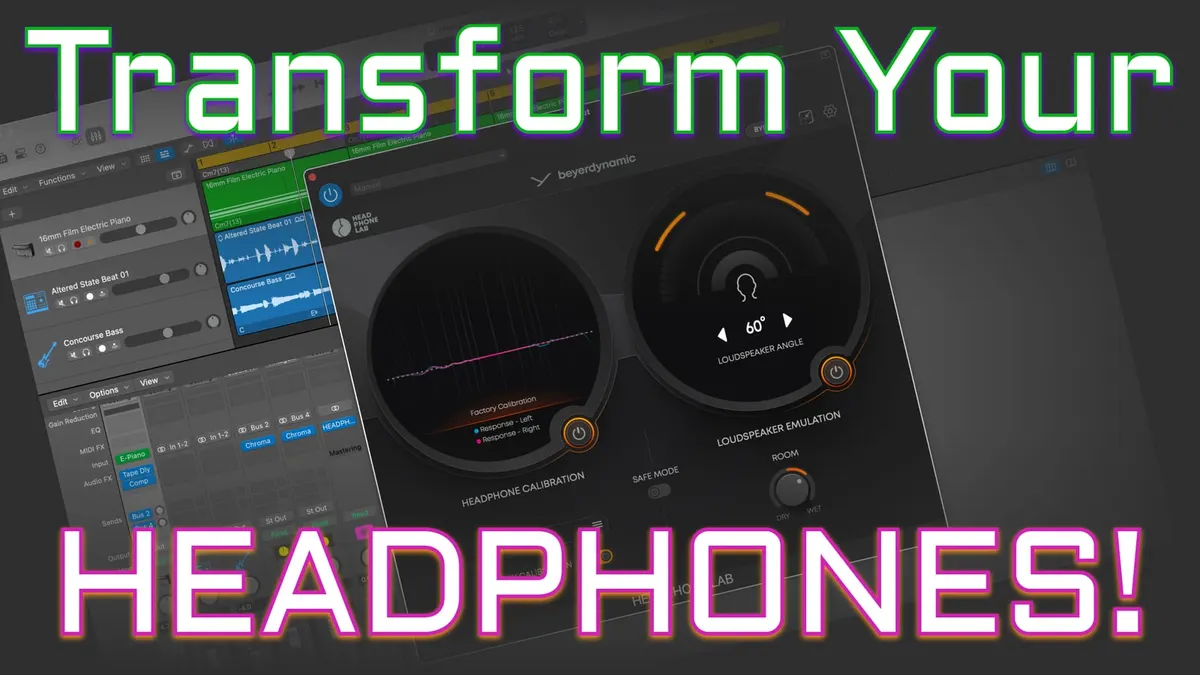
In this week’s episode we experiment with a new VST plugin from Beyerdynamic: Headphone Lab! Headphone Lab is a great way to optimize your headphone response for mixing work, especially if you don’t have access to an acoustically treated room with monitors. Adding it into your workflow can help your mixes translate better to other playback systems. Let’s take a closer look and listen!
You can read more about and download the Headphone Lab plugin here.
Gear used or mentioned
The links below are Amazon, B&H Photo, Sweetwater, or other affiliate links. As an affiliate, I earn from qualifying purchases.
- Beyerdynamic DT 700 — Pro X Closed-Back Headphones
- Beyerdynamic DT — 900 Pro X Open-Back Headphones
Read the transcript
Headphone Lab is a VST plugin from Beyerdynamic that makes your DT series headphones sound like you’re mixing in a well-treated studio space with loudspeakers or monitors. When you’re mixing with headphones, each ear only hears the signal from the corresponding ear cup, leaving out a lot of nuance that’s usually present when working in a mixing room — reflections, head disruptions, your physiology, how far apart your ears are spaced, and cross-talk between ears. This is fine for something like a dialogue edit where you’re cleaning up mouth clicks and pops, but it’s not ideal for actually mixing a full mix with dialogue, music, and effects. Headphone Lab creates an emulation of an in-studio experience that you can mix in — great for people working in bedrooms, home offices, or rented apartments where you can’t do a lot of acoustic treatment.
You can specify your head measurements in the plugin, since ear spacing varies from person to person, which helps it create a more convincing virtual listening room. This isn’t a full HRTF (head-related transfer function), but it accounts for the spacing between your ears, and it makes a huge difference — I was listening with the default setting of about 14cm, and when we actually measured mine at 16cm and changed it, the difference was astounding, so much more convincing. I haven’t seen other headphone correction systems account for ear spacing like this.
You can also turn on the factory calibration preset for your specific pair of headphones — for newer DT headphones, Beyerdynamic has factory data measured on your particular set that creates a custom calibration, based on Beyerdynamic’s own research of multiple highly renowned studios, not one of the Harman curves based on listener preference. You can turn on loudspeaker emulation and change the angle between 40, 60, and 80 degrees to customize the width of your stereo image, and there’s a dry/wet blend to adjust the perceived amount of room ambience.
It’s compatible with the Pro X line — the 700 and 900 — and pretty much all Beyerdynamic DT headphones, plus the DT 700 in-ear monitors. On older pairs like the DT 880 Pro, it applies a general calibration since factory calibration data doesn’t exist for those. It doesn’t make your headphones sound like other makes or models, and it doesn’t run as a standalone application — it’s a VST plugin you place in the final slot on your mix’s master bus. Make sure to turn off the plugin before final export, since the correction is only for your particular headphones.
Headphone Lab is available for free as a VST plugin for Mac OS or Windows — no fees, no subscription required if you own Beyerdynamic headphones. My take: this is a fantastic addition. As a long-time Beyerdynamic headphone user, I’m thrilled to have this as an additional tool — now I can mix in headphones with more confidence. Get out there and make some great sound. Talk to you again soon.